

Play Right Click Test Online Free - Measure Your Right-Click CPS
What is Right Click Test?
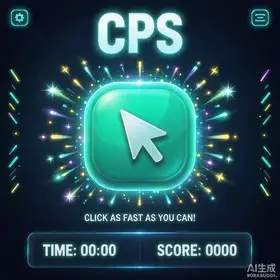
Right Click Test is a fun tool to measure how fast you can right-click your mouse in a set amount of time. Choose a test duration and right-click as many times as possible. Your result is shown as clicks per second (CPS), letting you check your mouse right button and compare against other players.
How to Play
Pick a test duration (3s, 5s, 10s, 15s, 30s, or 60s)
Right-click the area to start the countdown
Right-click as many times as you can before time runs out
Your score is your average right-clicks per second (CPS)
Training Benefits
Right-Hand Speed: Improve your right-click speed to match your left click
Mouse Check: Verify your mouse right button is working properly
Game Advantage: Get faster at right-click actions like aiming and zooming
Brain Fitness: A benchmark to track your motor speed
Tips for Better Scores
Use a gaming mouse with a comfortable grip
Practice jitter clicking and butterfly clicking with your right button
Relax your hand and avoid tensing up
Most players average 5-10 CPS - practice to beat your best!